Prerequisites & Limits
A submitted verification.
Step-by-Step Navigation
Sign in at mochatrade.com and open Settings → Verification.
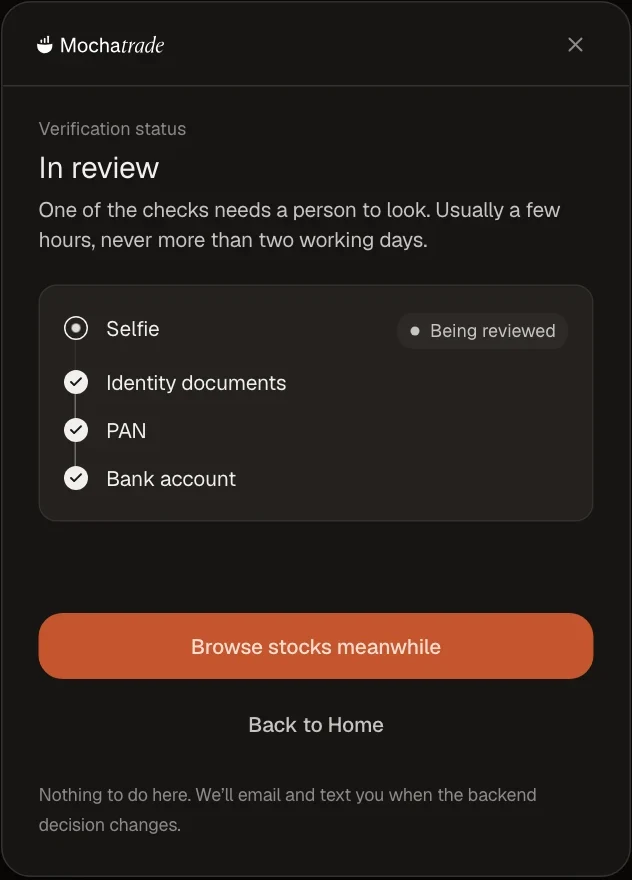
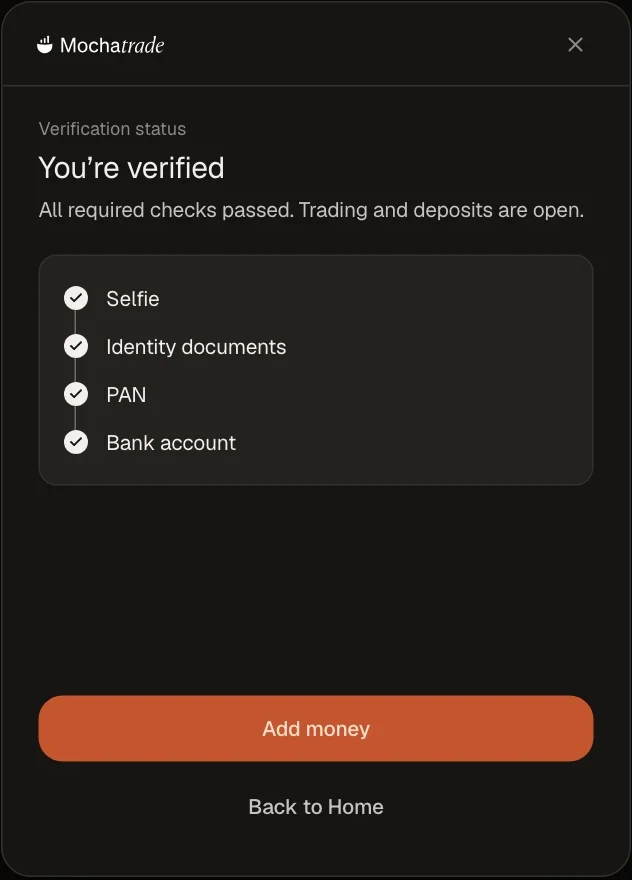
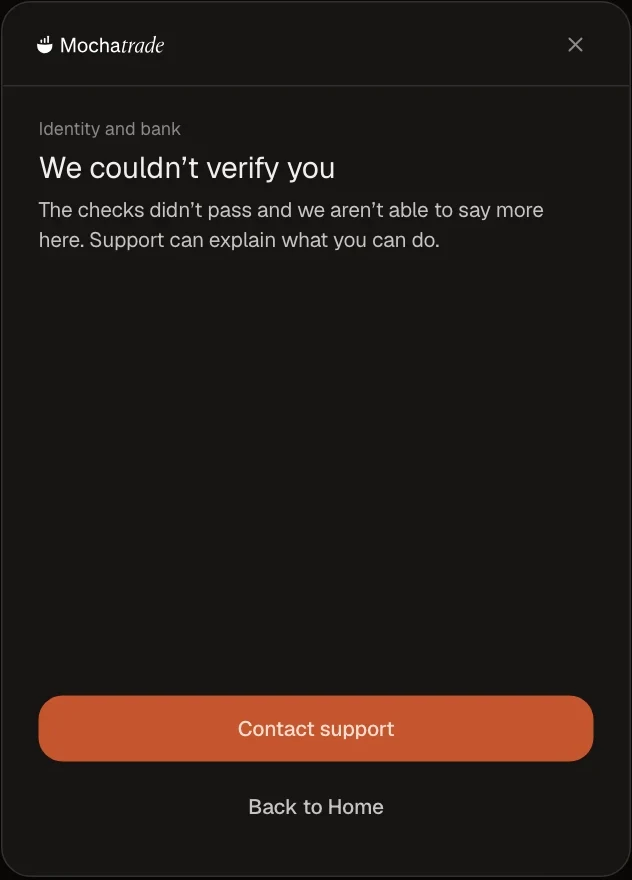
Check the Status: In review, Verified, or Couldn't verify.
If it says Couldn't verify, click Contact support.
Common Failures & Troubleshooting
Still In review after two working days: Contact support.
Couldn't verify: We can't share the reason on screen. Support can explain what you can do next.