Prerequisites & Limits
Your PAN.
The mobile number linked to your Aadhaar.
A bank account in your own name, with its account number and IFSC.
A camera for the selfie.
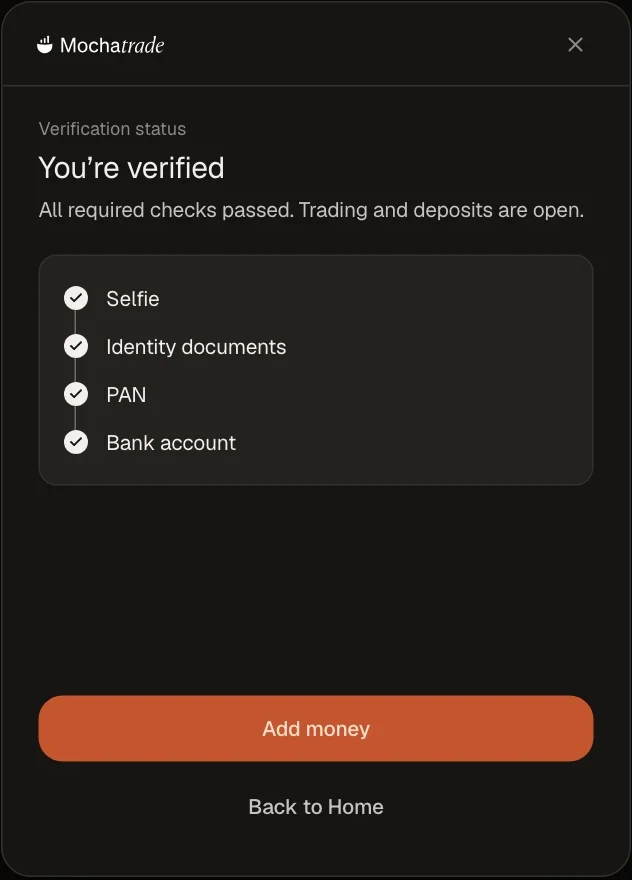
Verification is one-time. You need it before you can add money, trade or withdraw.
Step-by-Step Navigation
Sign in at mochatrade.com and click Continue verification on your home page (or Verify identity at the top).
Identity: confirm your PAN and Aadhaar-linked mobile, and take a selfie.
Bank account: enter your account number and IFSC; we confirm it with a ₹1 credit.
About you: answer four quick questions (occupation, income and source of funds).
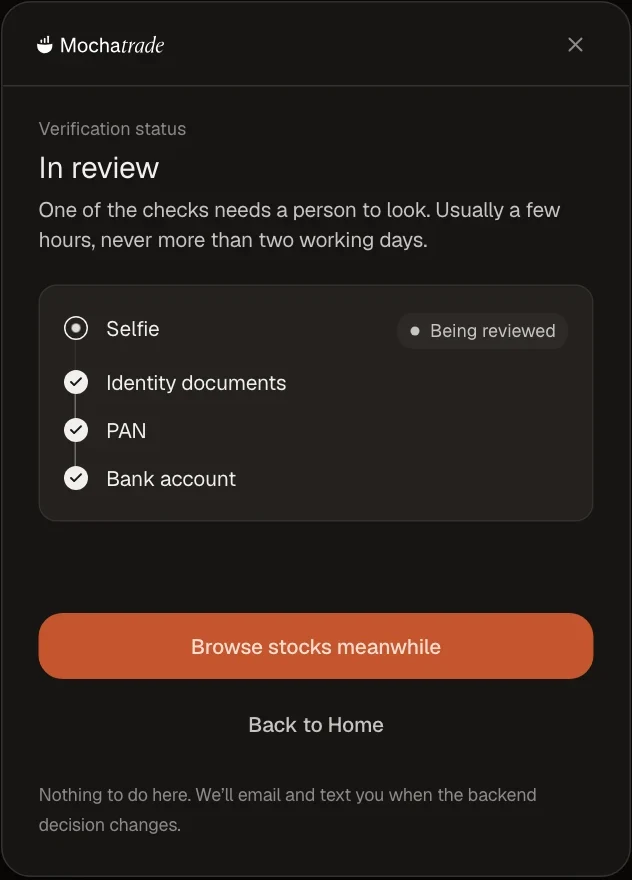
Submit. Most checks finish in minutes; if one needs a person, it's usually a few hours and never more than two working days.
Common Failures & Troubleshooting
Selfie not accepted: Retake it in good light, face centred, without glasses or a cap.
Name mismatch: Your PAN name and bank account name must match. Small differences like initials are fine.
Camera blocked: Allow camera access for mochatrade.com in your browser settings, then try again.
We couldn't verify you: Contact support; they can explain what you can do.