Prerequisites & Limits
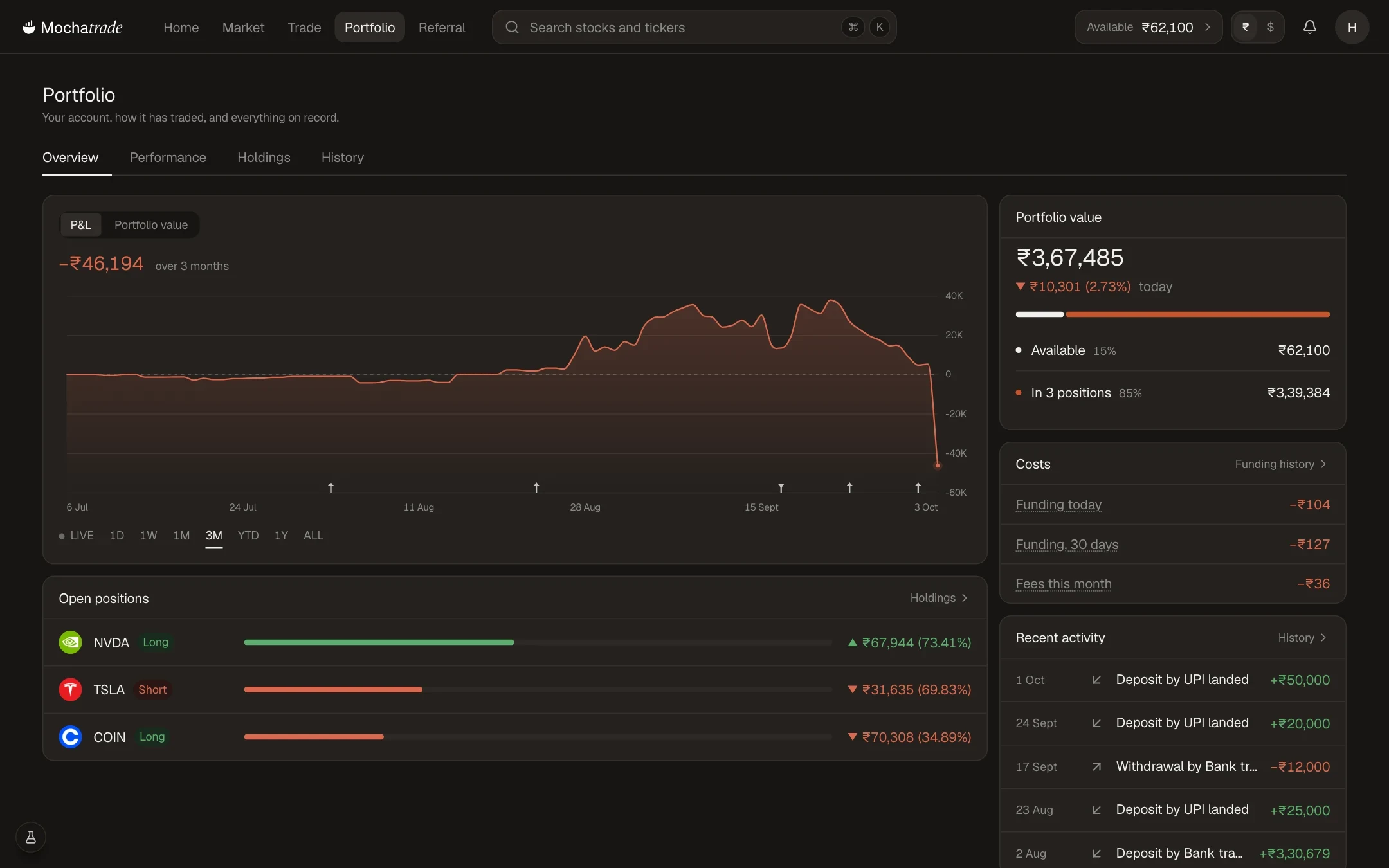
Realised P&L: profit or loss from closed trades.
Unrealised P&L: current profit or loss on open positions.
Step-by-Step Navigation
Sign in at mochatrade.com and open Trade.
Switch between the Positions, Open orders, Order history and Fills tabs under the chart (Portfolio → History has the rest).
Click any row for full details.
Common Failures & Troubleshooting
A trade is missing from history: Order history shows completed trades only. Check the Open orders or Positions tab.
Unrealised P&L keeps changing: It moves with the live price until you close the position.