Prerequisites & Limits
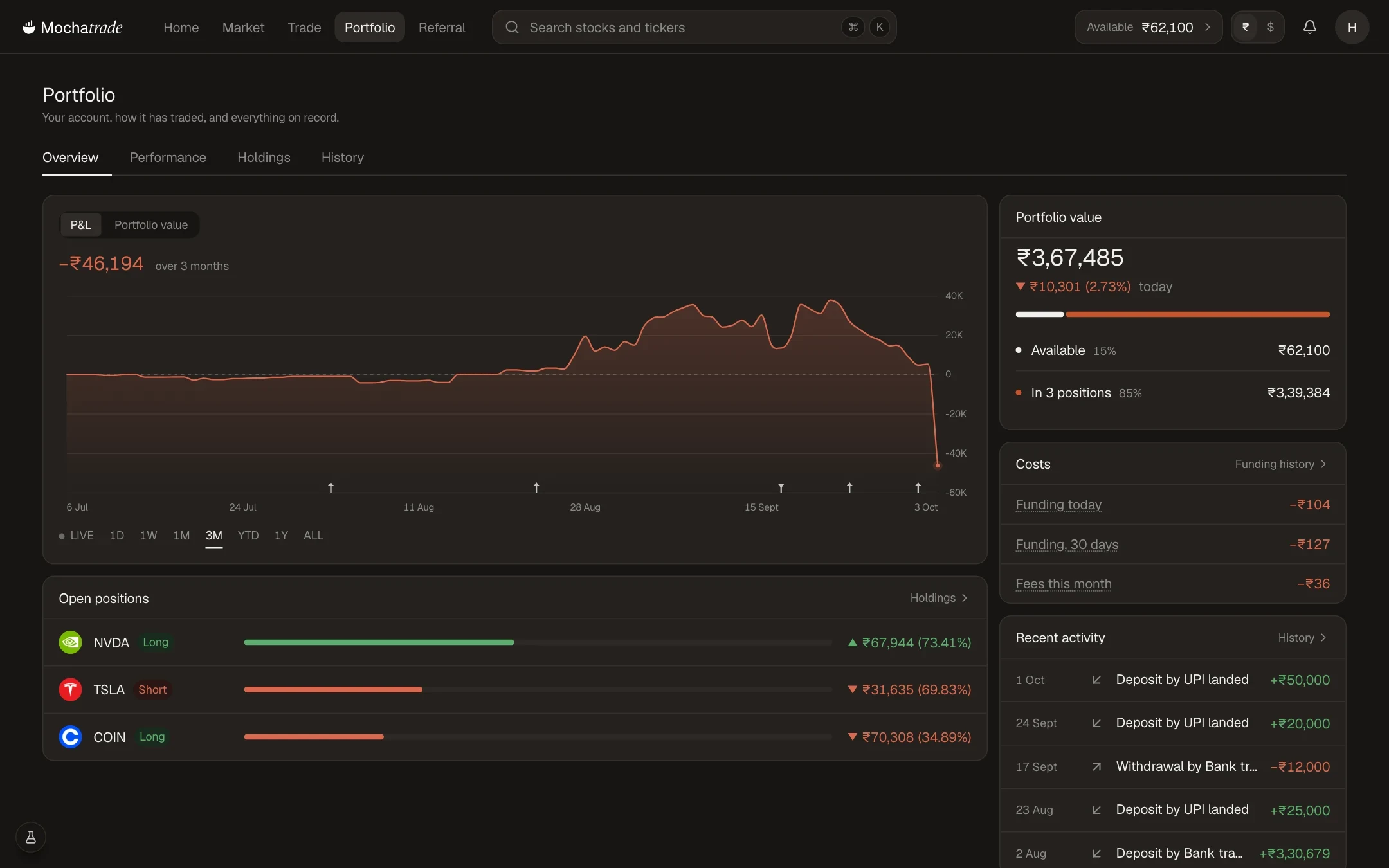
Available: free to trade or withdraw.
In positions: margin held by your open positions, not available to withdraw.
The margin required for a new trade is shown before you place it.
Step-by-Step Navigation
Sign in at mochatrade.com and open Portfolio (or Funds).
Check Available and In positions.
On the Trade page, the Positions tab shows the margin each position uses.
Common Failures & Troubleshooting
I can't open a new position: Your available balance is below the margin required. Lower the size or leverage, or add money.
My balance looks lower than expected: Some of it is held as margin in open positions.