Prerequisites & Limits
Access to the new email or mobile number to receive a code.
Changing your email or phone pauses withdrawals for 10 minutes.
Step-by-Step Navigation
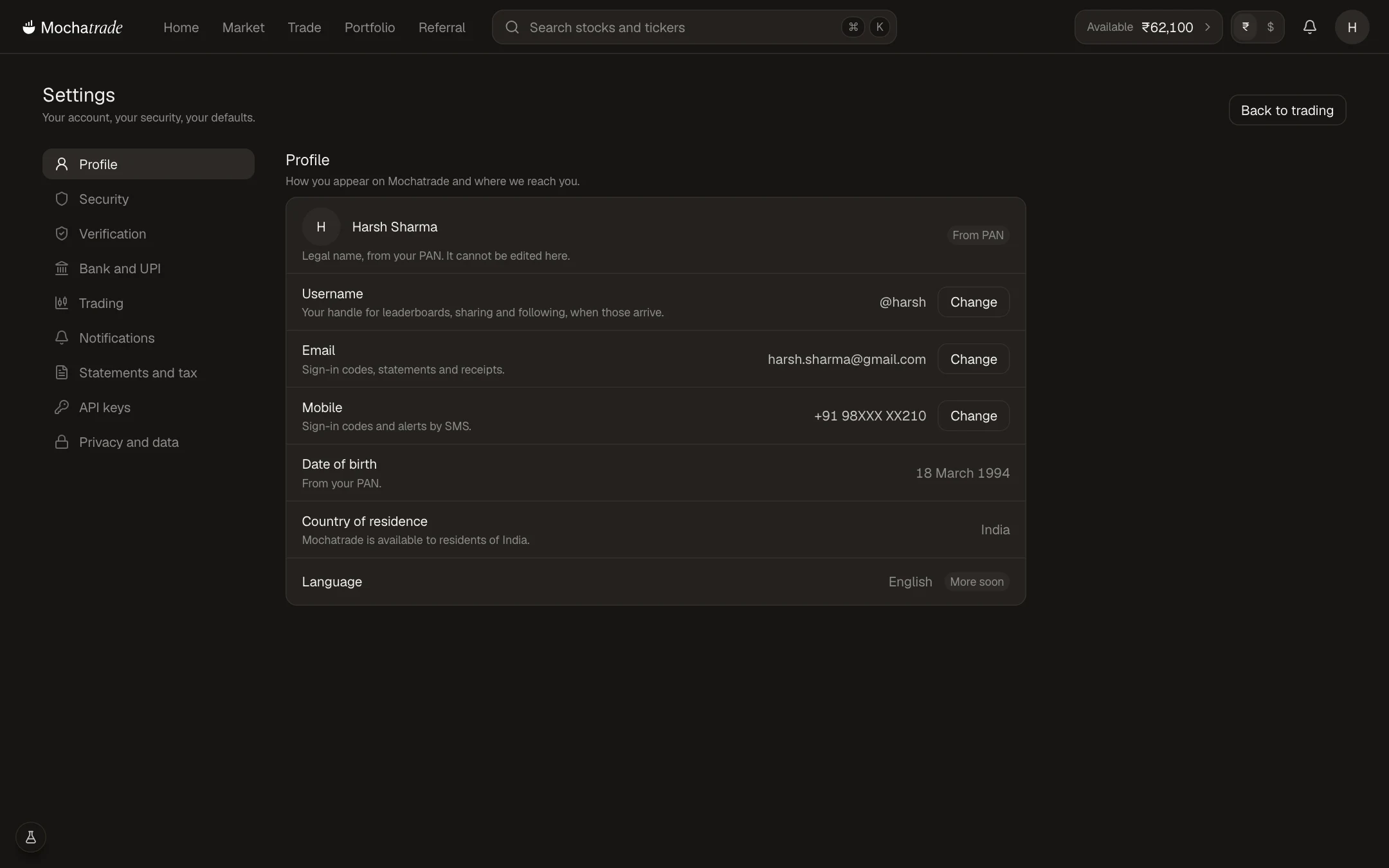
Sign in at mochatrade.com and open Settings → Profile.
Click Change next to Email or Mobile.
Enter the new email or number and the code we send to it.
We alert your old email or number about the change.
Common Failures & Troubleshooting
I no longer have my old phone or email: Use Trouble signing in? → I lost my phone or I have a new email on the sign-in page.
New email or number rejected: It may already be linked to another Mochatrade account.