Prerequisites & Limits
Access to your registered email, or your Google or Apple account.
For recovery, two of these three: your email, your mobile number and your 6-digit PIN.
Step-by-Step Navigation
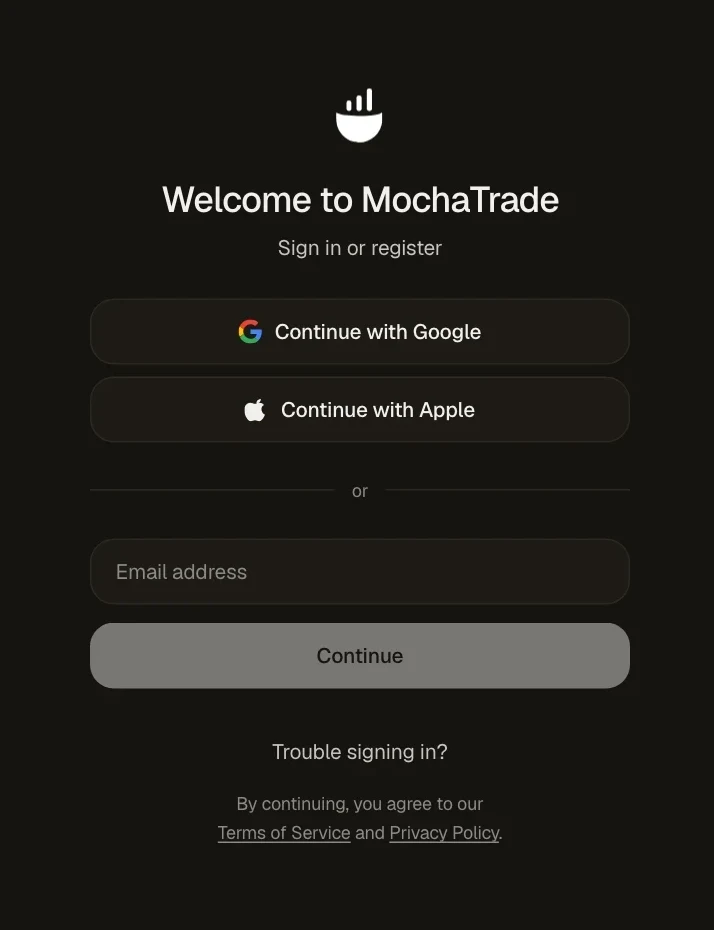
Go to mochatrade.com and sign in the way you signed up: Google, Apple, or your email and the code we send.
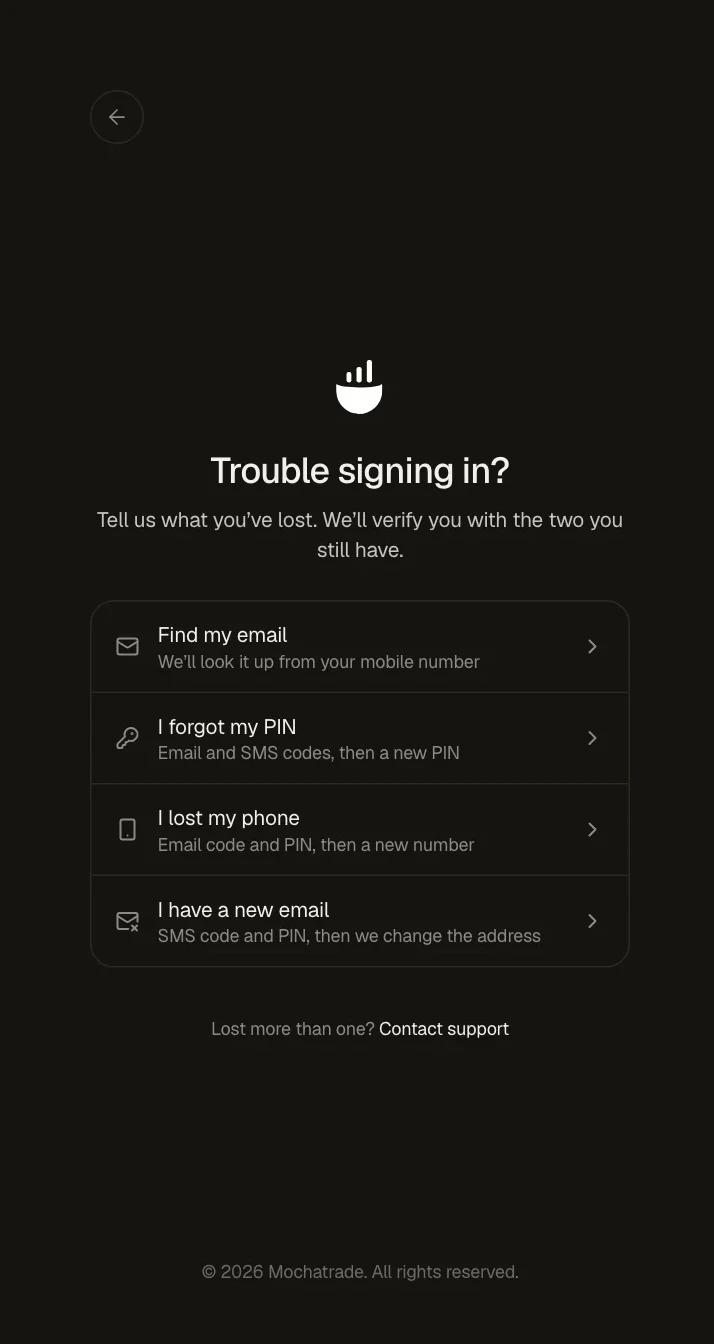
If that doesn't work, click Trouble signing in?.
Pick what you've lost: Find my email, I forgot my PIN, I lost my phone or I have a new email.
Verify with the two you still have, and follow the steps.
Common Failures & Troubleshooting
Code not received: Check spam, wait a minute and request a new one.
Signed in with a different method before: If you signed up with Google or Apple, use the same button again.
Lost more than one (email, phone and PIN): Contact support from the Trouble signing in page.