Prerequisites & Limits
Access to your registered email and mobile number.
Changing your PIN pauses withdrawals for 10 minutes.
Step-by-Step Navigation
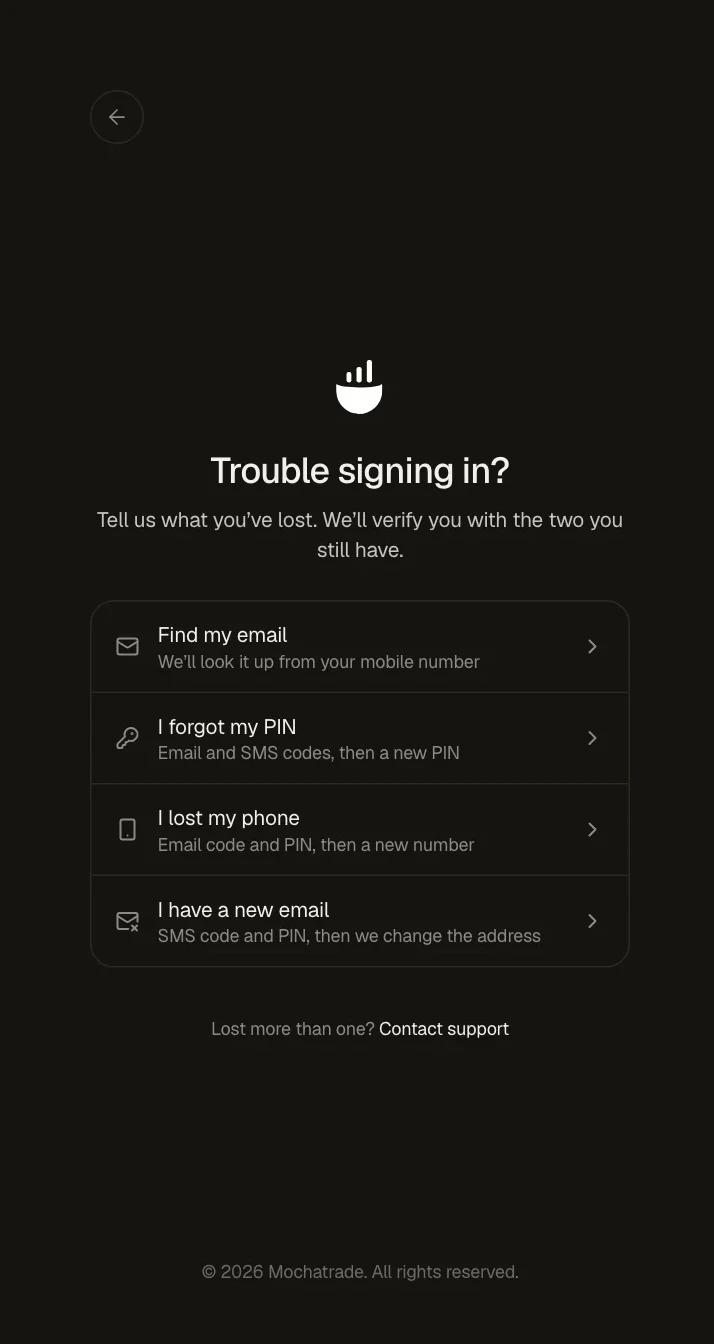
On the sign-in page, click Trouble signing in?.
Choose I forgot my PIN.
Enter the codes we send to your email and your phone.
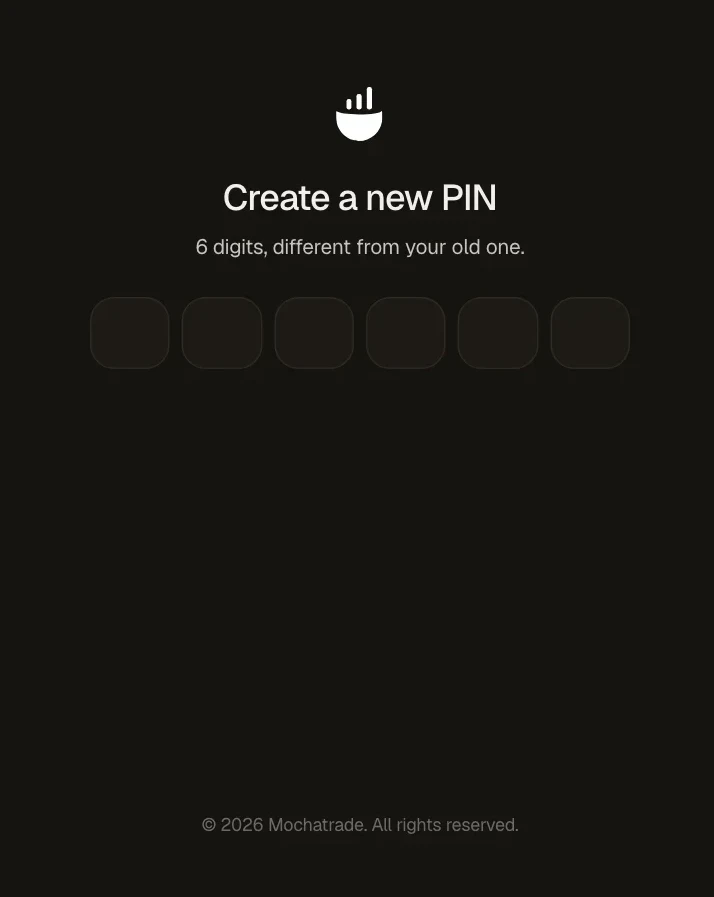
Create a new 6-digit PIN, different from your old one.
Common Failures & Troubleshooting
No code received: Check spam and your network, then request again.
Lost your phone too: Choose I lost my phone first, then reset your PIN.
Withdrawal paused after a change: Withdrawals pause for 10 minutes after you change your PIN. Try again after that.